Browse
Workspaces
Project, personal and private: how Caddi keeps your projects apart.
Three kinds
- Project workspaces can be shared with agents, one approval at a time.
- Personal workspaces are human-only. Caddi refuses to grant them to an agent. Camera and microphone requests from sites are only available here.
- Private windows use a fresh in-memory session. Their tabs are not saved to history and are never visible to agents. The session is destroyed when the window closes.
What is kept separate
Each workspace has its own cookies, local storage, IndexedDB, service workers and cache. Signing in to a site in one workspace does not sign you in to it in another. History and download records are kept per workspace too.
Workspaces are separate storage partitions inside one app, not separate browsers. Your IP address, browser fingerprint and installed fonts are shared between them.
Switching and windows
Click a workspace in the rail on the left edge of the sidebar, use the workspace menu at the top, or search for a workspace in the command palette with ⌘ K. Any workspace can be opened in its own window, and Caddi remembers which workspaces were open where.
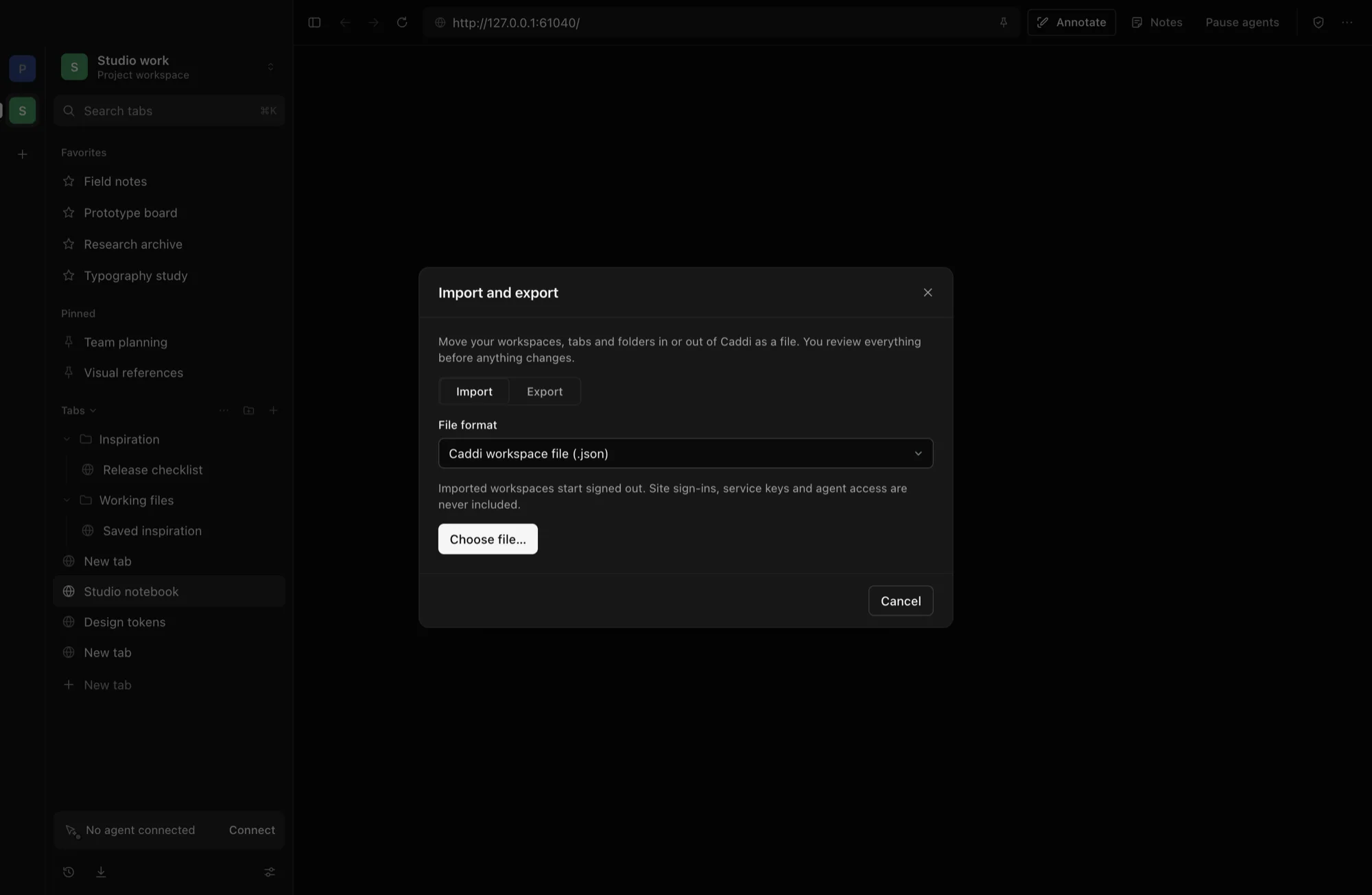
Import and export
Export a workspace's tabs, groups and folders as a file, or import one. Bookmark files can be imported as well. You review everything before it is added. Imported workspaces start signed out: sign-ins, service keys and agent access are never included.